Check the landing page before the platform reviews it.
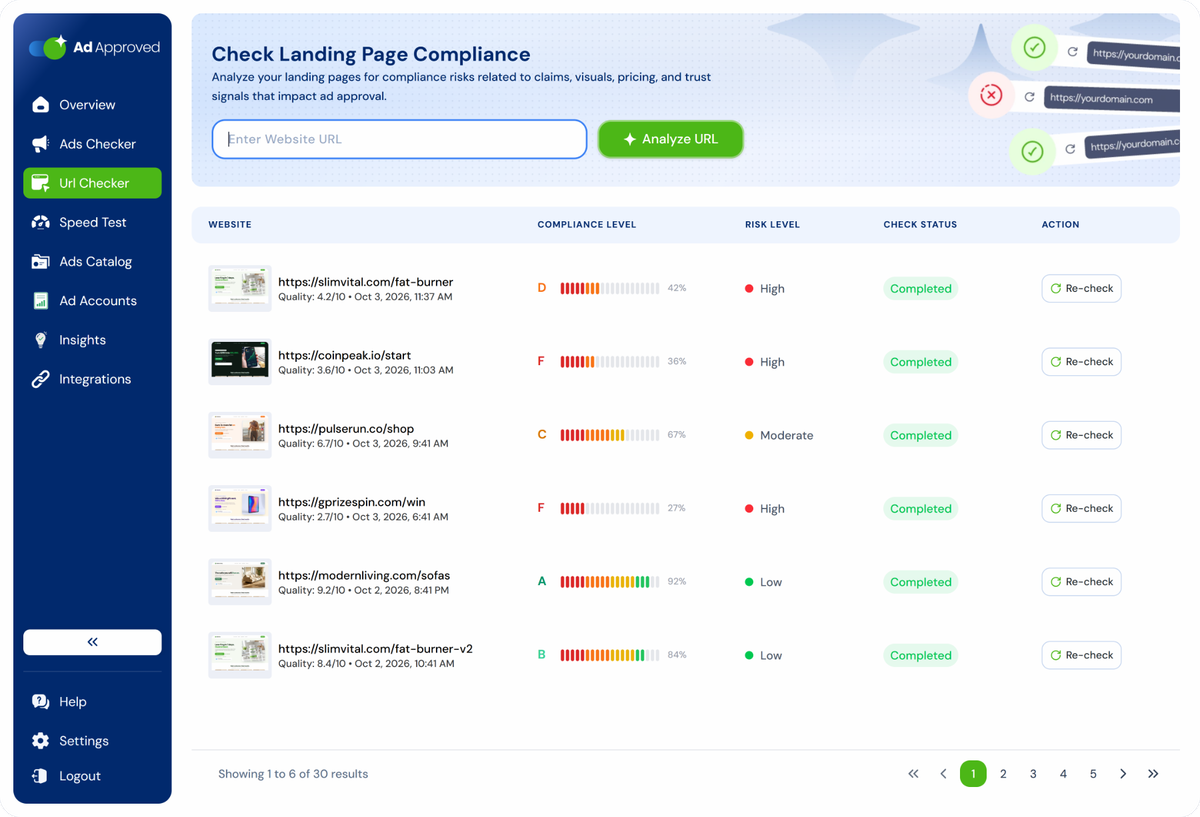
Paste a URL. AdApproved loads the page on desktop and mobile, pins issues to the screenshot, compares both versions and checks redirects and cloaking signals before you submit.
How a check works
 Step 1
Paste the URL
The page your ad points to. No script, no tag, no access to your site.
 Step 2
We load it twice
A real browser opens the page on desktop and on mobile, takes both screenshots and follows the redirect chain.
 Step 3
Get the report
Risk level, compliance score, every violation pinned to the spot on the screenshot, and the recommendation next to it.
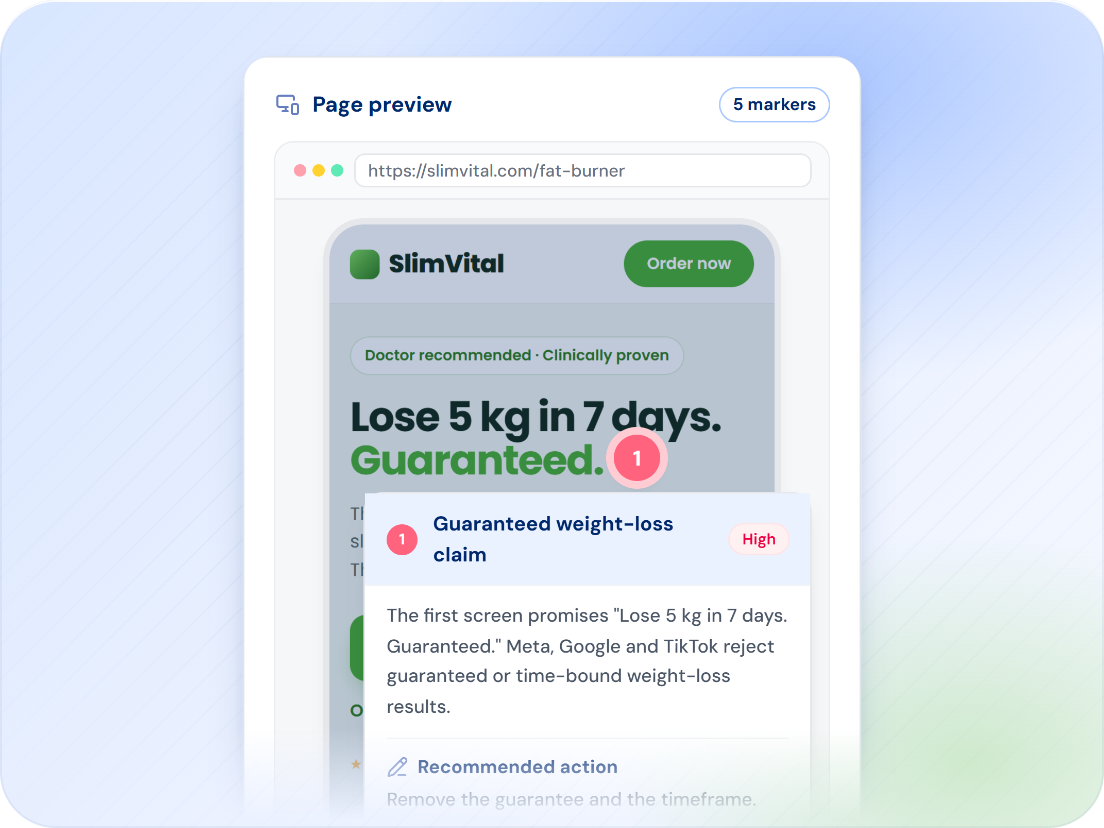
Not "the page has a problem". This spot, this rule.
Every flagged issue names the criterion, category, risk level and platforms it applies to, then pins it to the place on the page where it was found. Your page team gets a specific issue to review instead of a generic warning.
- Criterion, category, risk, description and recommendation per violation
- Marker on the desktop or mobile screenshot at the exact coordinates
- Filter by platform, category and risk
Catch cloaking and consistency risks on your own page.
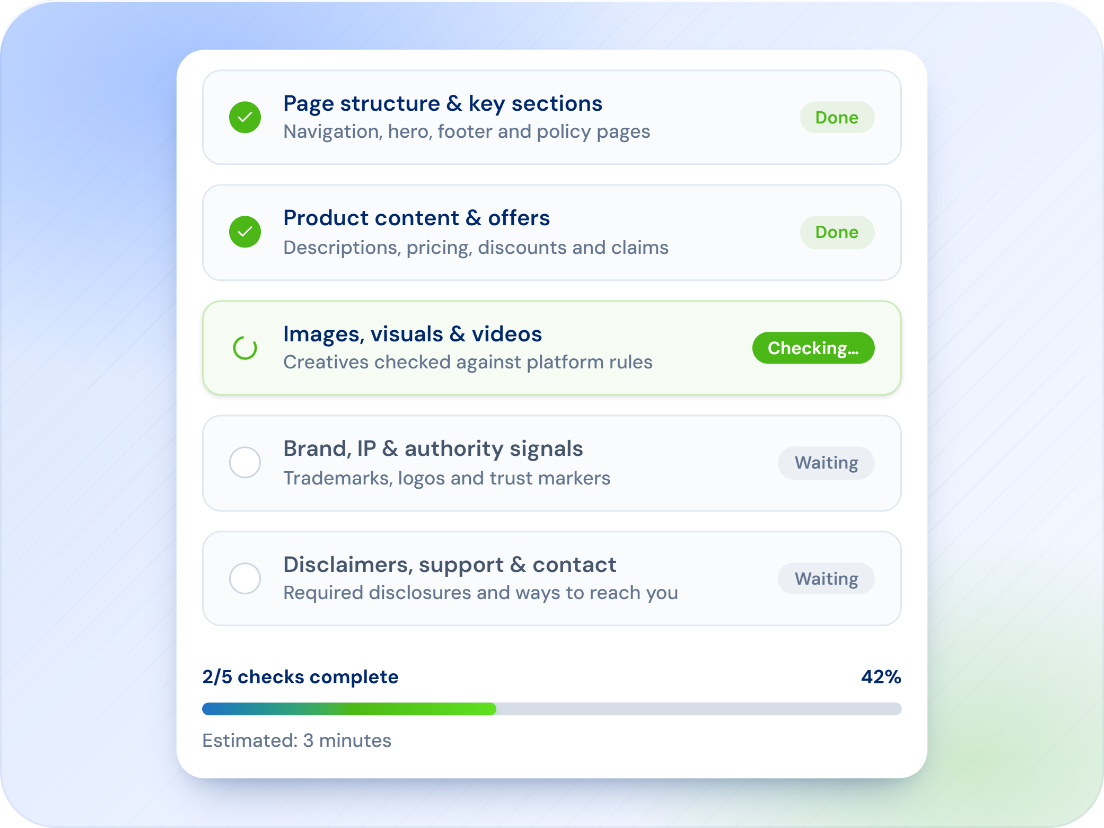
Cloaking and inconsistent destinations can trigger serious platform enforcement. The URL Checker compares desktop and mobile versions, follows redirect chains and surfaces suspicious differences before review.
- Explicit cloaking flag, including the redirect chain
- Mobile vs desktop: differences in content, CTAs and layout, with a summary per device
- Suspicious patterns listed, not just scored
A clear report you can hand to the page team, with the option to re-check after changes are live.
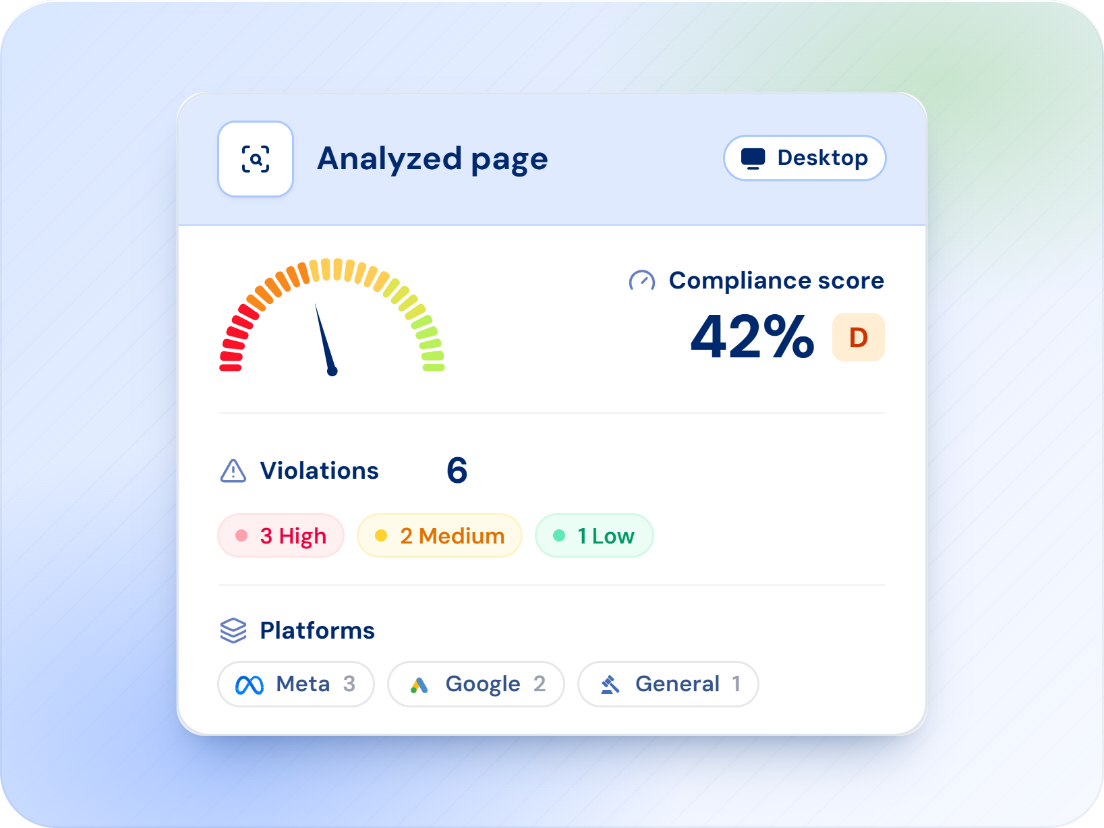
Every check is saved with its compliance level as a letter grade, the quality score behind it and the risk level. When the fix ships, re-check from history and compare the two reports.
- Compliance level A to F with the score, quality score out of 10, risk Low, Medium or High
- Re-check from history, one click, no re-entering the URL
- PDF export and a share link with an expiry date for the client or the developer
What is in the report
One credit, one URL, both devices.
Three scores
Compliance, quality and relevance, plus the risk level Low, Medium or High for the page.

Trust indicators and red flags
What the page has that reviewers look for, and what it has that they do not want. Contact details, policies, claims, pop-ups.

Platform rules by name
Google Destination requirements, Meta Non-functional landing page, TikTok Inconsistent information and Ad Format and Functionality, each named as the platform names it.
Recommendations
A fix for every violation, grouped so the page team can work through them top to bottom.

Redirect chain
Every hop from the URL in the ad to the final page is followed and listed, so unexpected or suspicious redirects are visible before platform review.
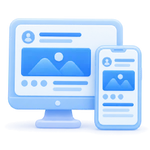
Both devices, one report
Desktop and mobile screenshots side by side, a summary per device, and the load time recorded for each.
Part of one account
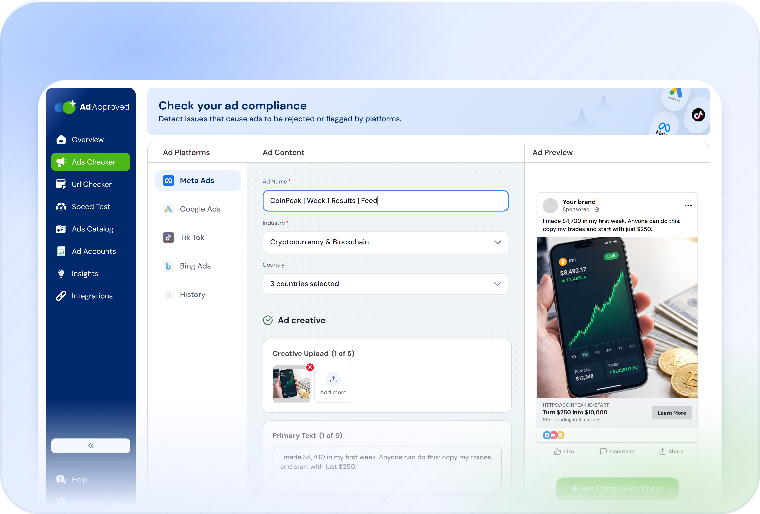
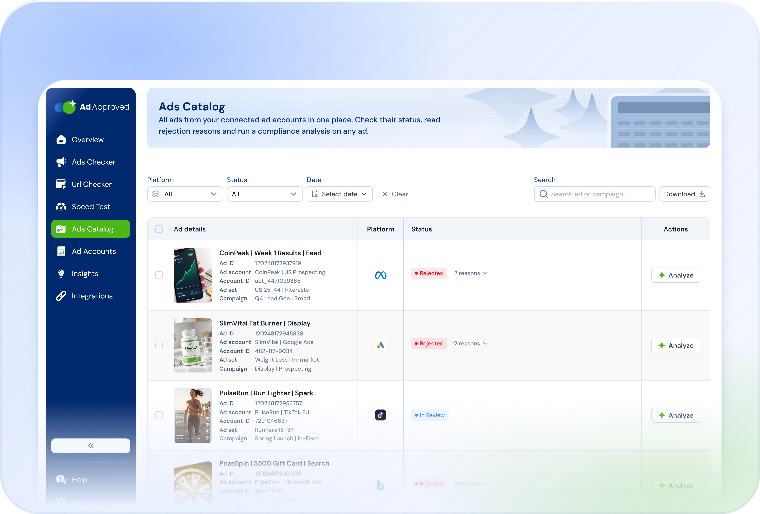
Four tools, one set of credits, one history. Each check is one credit.
URL Checker questions
No. The URL Checker loads the public page the way a visitor does. There is no script, tag or plugin.
The landing page rules of Meta, Google, TikTok and Bing. Every violation lists the platforms it applies to, so one check covers the page for all your campaigns.
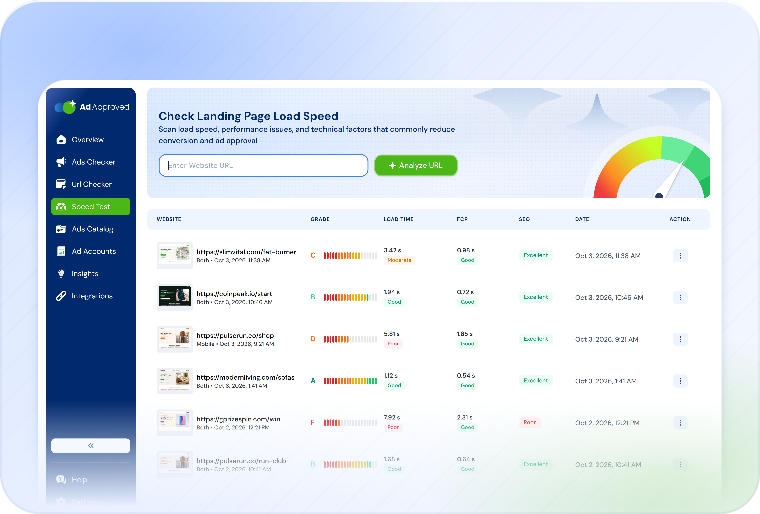
Load time is recorded, but the full speed report is a separate tool: the Page Speed test measures the timings and Lighthouse scores the platforms grade you on.
No. The platform makes the final call. The URL Checker removes the reasons pages get flagged before you submit and names the rule behind every flag.
One. A check covers the page on both devices, with the full report.
Check the page before the ad points to it.
The page loads on desktop and mobile, issues are pinned to the screenshot, and redirects and cloaking signals are checked. 7 days free on any plan.
Check my landing page