Check Your Ads Before Platforms Do
Check every part of your ad against the rules that apply to it. Each headline, text variation, image and video gets its own risk level, issues and suggested fixes for Meta, Google, TikTok and Bing.
How a check works
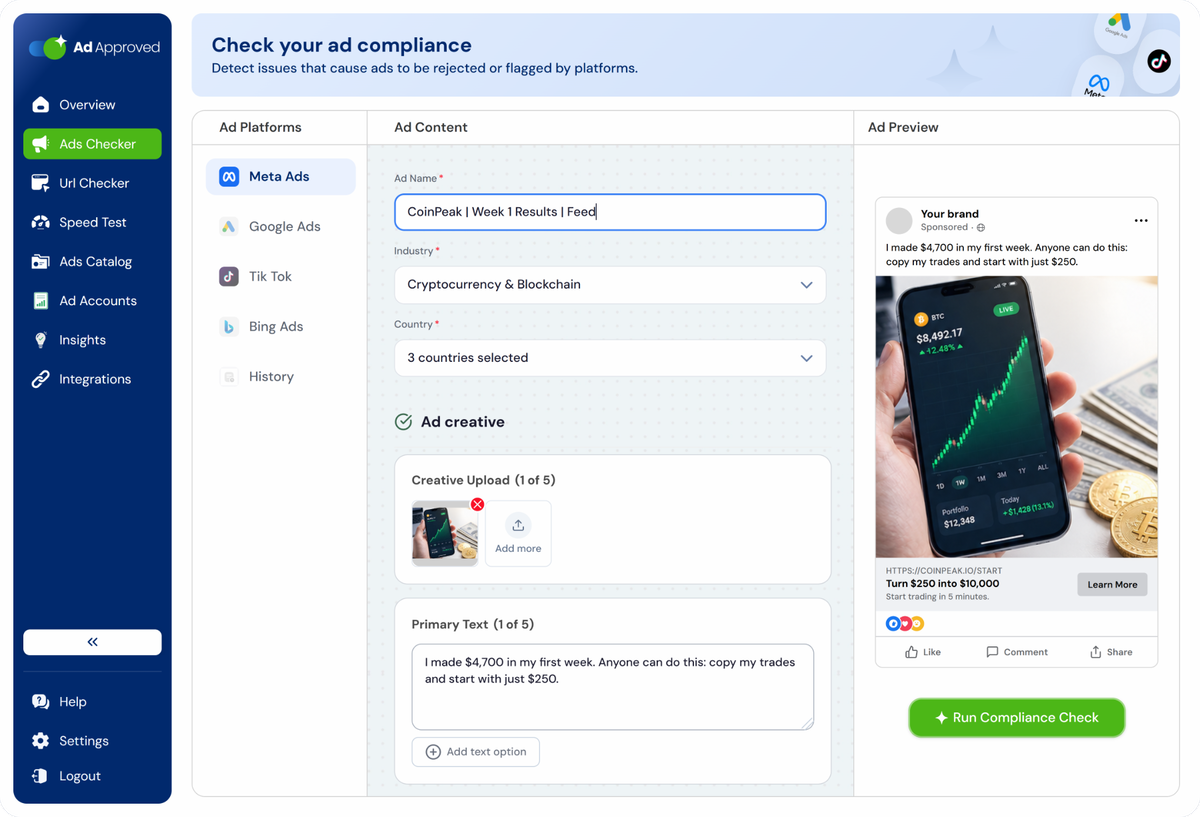
 Step 1
Fill in the ad
Pick the platform and the campaign type. The form has the platform's own fields and limits: Meta primary text in up to 5 variants, Google Search headlines of 30 characters, TikTok video, Bing display path.
 Step 2
Watch the preview
While you type, the right side shows the ad as it will run: the Meta feed, the Google Search combinations, the TikTok video, the Bing result. What you check is what you submit.
 Step 3
Get the report
Approval probability on a gauge, risk level per element, platform issues and legal issues apart, and a suggested edit for every flag. Tick the edits, apply them all, submit.
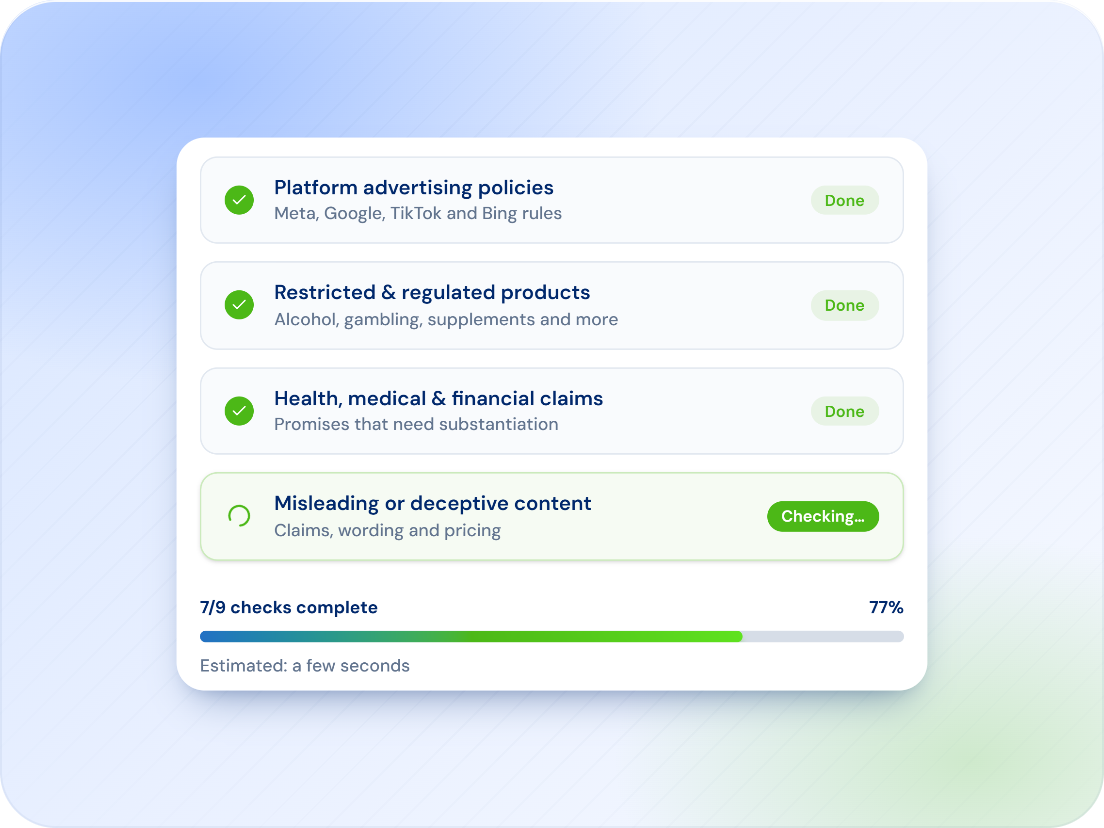
One ad, many checks.
A rejection doesn't always tell you which part of the ad caused the problem. AdApproved checks each element separately, so you can see whether the risk comes from the copy, headline, image, video or another part of the ad.
- Primary text variations, headlines, descriptions and CTAs checked separately
- Images and video checked individually
- Risk level for each element and for the ad overall
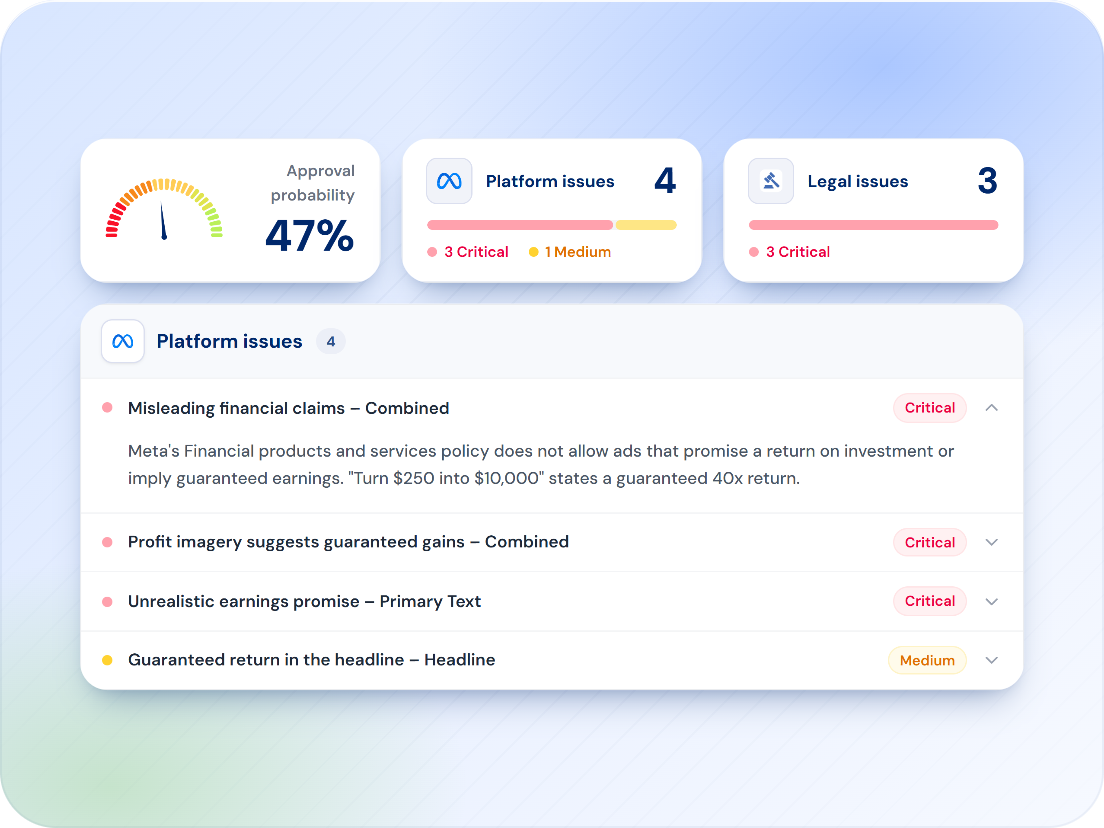
Two rulebooks. Kept apart.
Platform policy issues and potential legal or regulatory issues aren't the same thing. AdApproved separates them in the report, shows the severity of each issue and identifies the rule or requirement behind the flag.
- Platform issues listed with severity and the relevant platform rule
- Potential legal and regulatory issues listed separately
- Industry and target market determine which checks apply
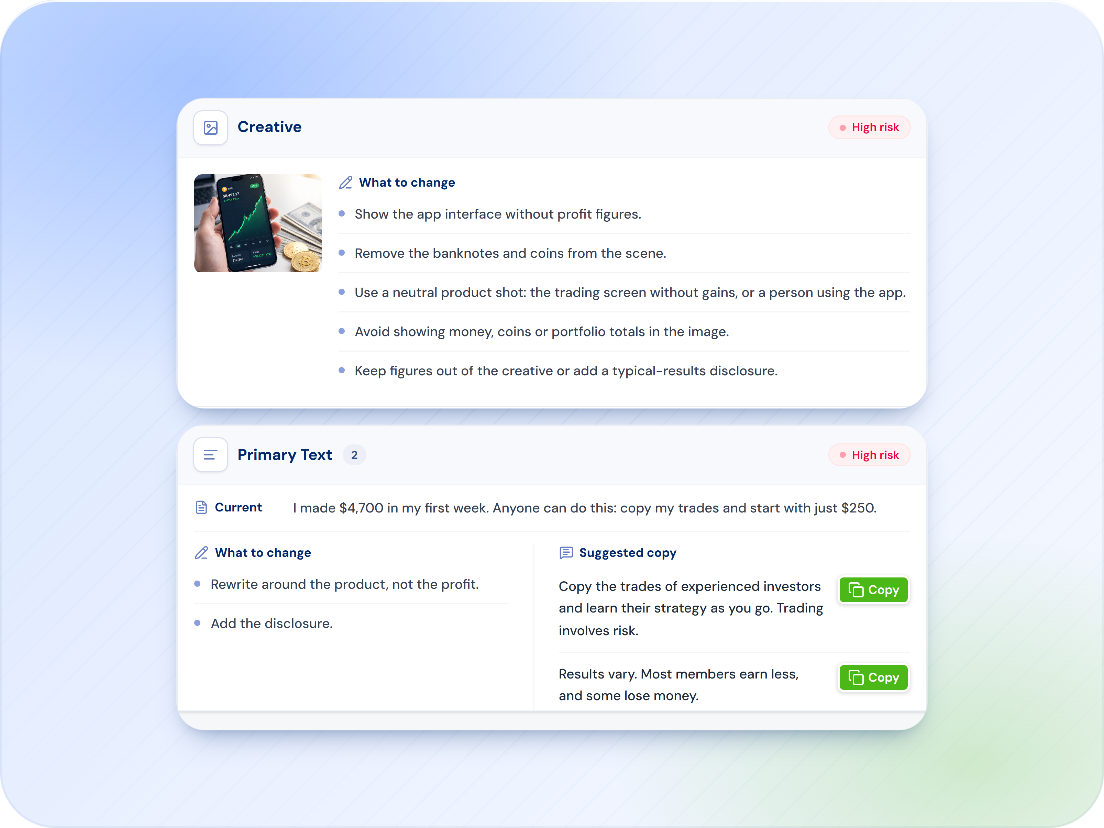
Not just what's wrong. What to change.
Every flag comes with the rule behind it and a suggested fix. Recommendations are grouped by ad element, so you can see the issue, review the suggested change and decide what to apply.
- Plain-language explanation of the issue
- Suggested edits for each affected field
- Original and suggested copy shown side by side
- Apply individual fixes or multiple changes at once
What is in the report
One credit, one check, the full report.

Approval likelihood
See the overall risk for the ad and the risk level of each individual element.
Why the ad is at risk
A plain-language summary of the issues most likely to cause rejection or restriction.

Industry and market
Checks adapt based on the industry and markets you select, so the relevant rules are applied.
Campaign types
Checks adapt to the campaign format you're running, including TikTok In-Feed, TopView and Spark Ads, plus Google and Microsoft Advertising formats.

Shareable reports
Export the report or share it with a client or teammate without requiring them to log in.
Check history
Every check is saved with its creative, platform and result so you can reopen, compare and recheck later.
Part of one account
Four tools, one set of credits, one history. Each check is one credit.
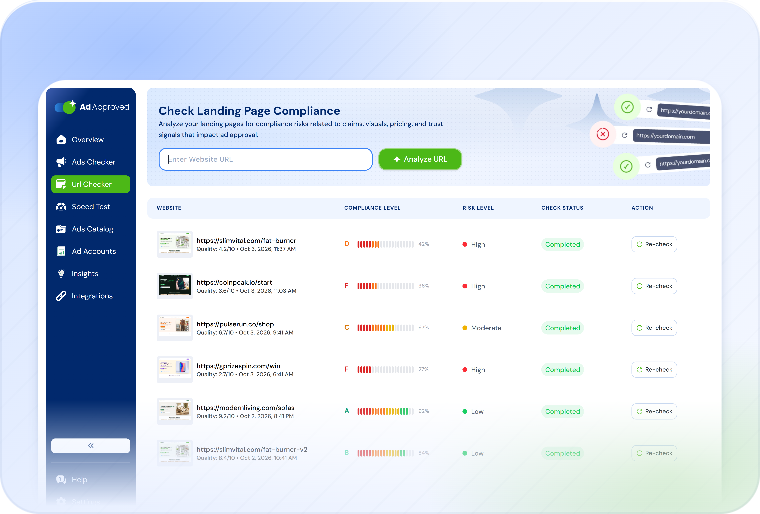
URL Checker
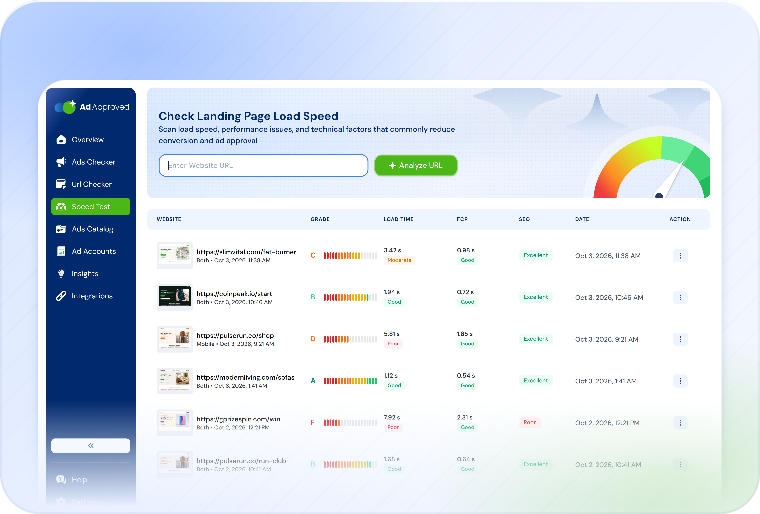
The landing page on desktop and mobile, violations pinned to the screenshot, cloaking checked.
Ad Checker questions
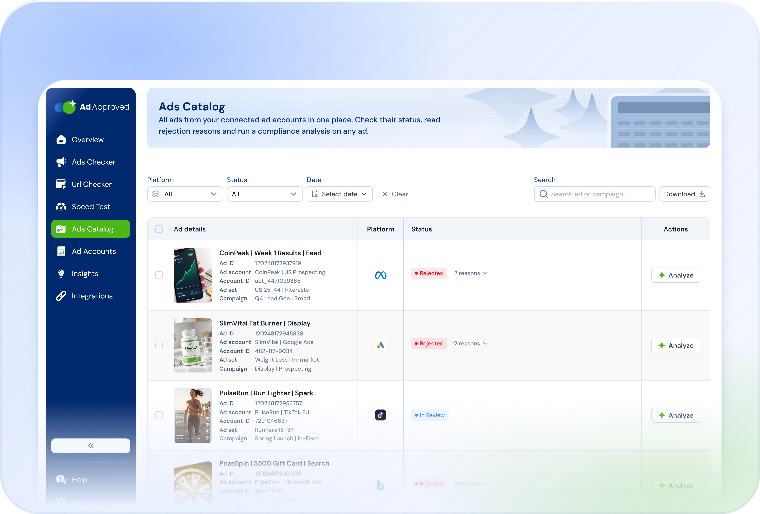
No. You can run an Ad Checker scan without connecting an ad account. Add the ad content and creative directly in the checker. If you want to sync existing ads from your accounts, you can do that separately through Ads Catalog.
AdApproved checks ads for Meta, Google, TikTok and Microsoft Advertising (Bing). Checks adapt to the selected platform, campaign type, industry and target market.
No. The platform always makes the final decision. AdApproved identifies issues that may lead to rejection and shows you what to address before you submit.
No. AdApproved can flag potential legal or regulatory risks separately from platform policy issues, but it does not provide legal advice. For regulated products, claims or markets, the report should support, not replace, review by qualified legal or compliance counsel.
One credit. A single check covers the ad and all included elements and gives you the full report and suggested fixes.
Check the ad before the platform does.
Every headline, text, image and video gets its own risk level, the rule behind each flag and a suggested fix. 7 days free on any plan.
Check my adAdApproved does not guarantee approval and does not provide legal advice. It helps identify issues that may cause ads to be rejected and shows the rule behind each flag.